


Sale
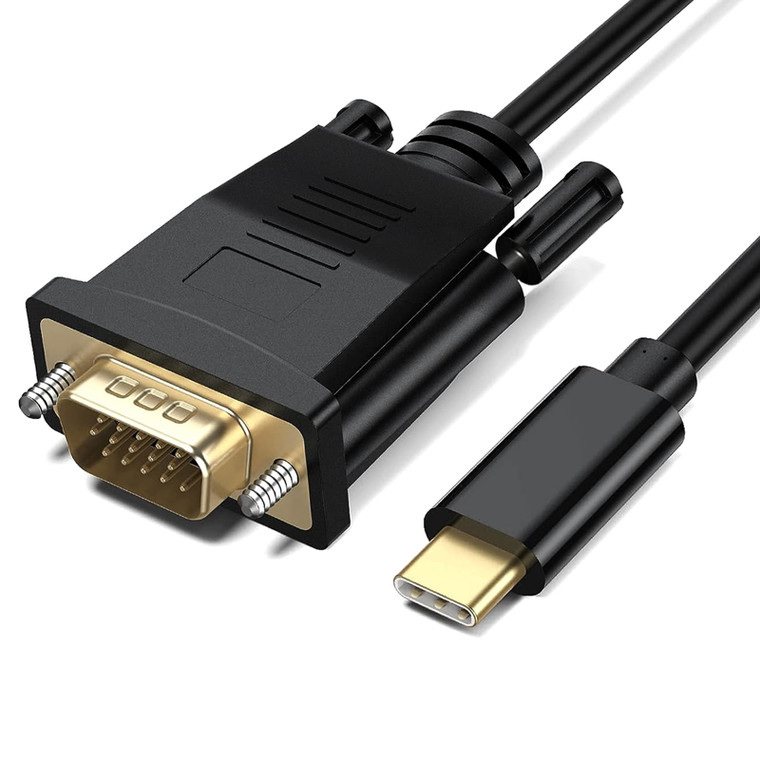
Herfair USB to VGA Adapter Cable (Built-in Driver) 3FT USB 3.0 Type A to 15-Pin D-sub VGA Converter with 1080P HD Output Support MacOS/Windows 10/8/8
AED107.00
AED81.00
(No reviews yet)

Write a Review
Herfair
Herfair USB to VGA Adapter Cable (Built-in Driver) 3FT USB 3.0 Type A to 15-Pin D-sub VGA Converter with 1080P HD Output Support MacOS/Windows 10/8/8
About the product
- This is a USB 3.0 Type-A male to VGA male adapter cable, it is NOT a USB-C / Light-ening / HDMI / DVI / Displayport prodct, you need to double-check your needs before place an order. It only works for laptop or computer, can not work with any other device like Media Player.
- ????? ???? ?: Make sure your computer/laptop is Windows 10/8.1/8/7 or MacOS operating system in Big Sur (11), Mojave/Catalina (10.14.2-10.15), High Sierra (10.13.4-10.14.1), High Sierra (10.13-10.13.3), Sierra (10.12) and El Capitan (10.11). (NOTE: not compatible with any other system like ChromeOS, Linux.)
- ????? ???? ?: According to the included User Instruction to installed the corresponding built-in driver, or go to support.frescologic.com download to download and installed the latest version of driver. Tips: If your updated the computer system in the future, you need to install the driver again. (only for Windows and MacOS computer/laptop)
- ????? ???? ?: After successfully installed the driver, please saved all your opening files and then reboot the comoputer/laptop. This step is for a stable performance and it is a MUST-DONE step, otherwise the whole product will not working.
- ????? ???? ?: After rebooted, please do not connected the product yet, you need to check the resolution of your monitor to see if it is 1080P or has set to 1080P. And then you connected the product to the computer and mointor, the monitor displaying normally and start to enjoy.


